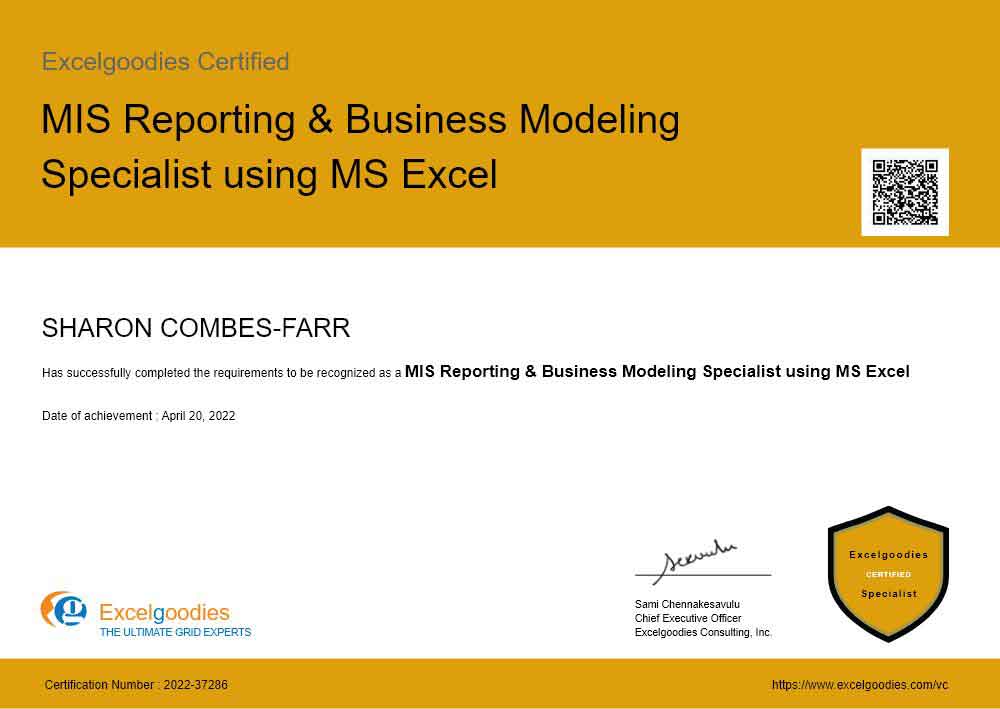
ADVANCE EXCEL TRAINING FOR MIS PROFESSIONALS

Finance is a vast domain and Our Excel Training For Finance Professionals is divided accordingly in to Operating finance and Strategic Finance

OPERATING FINANCE (MIS Reports):

This is a practical course in which you will develop the skills to build your own financial reports which can be taken away for future reference.

WHO CAN ATTEND THE COURSE:

Executives, Team or Personal Assistants, Administrators, Coordinators, Office Managers, Finance Managers and others in corporate operational roles.

Research has shown that the role of the Executive Assistant has evolved considerably in recent years. Support staffs are often expected to initiate their own report writing and even perform some level of financial analysis. This course is designed to arm the modern Executive Assistant with the essential financial and technical knowledge to perform key tasks with accuracy and efficiency

PRE-REUQUISITE

This specialized course is not a general Excel training course; rather it teaches the use of Excel in a Reporting context. Hence delegates are expected to be very well versed basic and Intermediate Excel and good enough in the advanced part of Excel.

Finance

Duration: 8 hours
Annual Financial Projections
• Profit and Loss Projection
• Balance Sheet

• Cash Flow Statements
• Working Capital planning
• Capital Budgeting
Financial Analysis
• Variance Analysis

• ROI analysis
Operational Reports
• Daily Cash Reports
• Bank Reconciliation statement
• Inter-company reconciliations
Finance Dashboards
Excel Intermediate Training : Duration 5 hours
Range Names
• Concept and Purpose
• Naming individual or range cells
• Deleting and amending named ranges
• Using named cells/ranges in formulae
Conditional Functions & Formats and Date Calculations

• Benefits and purpose
• If Statements , Nested If
• And, Or, Not
• Combining If, And, Or, Not
• Sumif , Countif
• Conditional Formatting
• Entering Dates and Times
• Different date/time formats
• How dates are stored
• Calculating working days
• Using the DAY(),MONTH(),YEAR() functions

Formulae Auditing
• Formula Auditing Tools
• Revealing Formulae
• Tracing Precedents/Dependents
• Goto Special
Worksheet Management & Linking
• Linking sheets in the same file
• Linking different Excel files
• Using Edit, Links
• Viewing different files at once
• Saving a workspace
• Viewing different sheets at once
• Window Split
• Data consolidation
Basic List Management
• Sorting Data
• Adding Subtotals
• Autofilter
• Freeze Panes
• Group and Outline
• Data Form
Excel Charts / Graphs
• Using the Chart Wizard
• Editing and Formatting charts
• Saving custom chart types
• Setting a default chart type
Excel Advanced Training : Duration 5 hours
Lookup & Information Functions
• Vertical Lookup (Vlookup)
• Horizontal Lookup (Hlookup)
• Match and Index
• IsText, IsValue, IsDate , IsNull , IsErr, Is Error, IsNa
Advanced List Management

• Advanced Filters
• Using List Features
• Dynamic Lists

Pivot Tables
• Using the Pivot Table Wizard
• Changing the pivot table layout
• Formatting
• Grouping items
• Inserting calculated fields
• Pivot Table Options
• Display and hide data in fields
• Lay out reports directly on worksheet
• Pivot Chart
What If Analysis
• Scenarios
• Goal Seek
• Solver
Protecting & Sharing Files
• Sharing a file
• Tracking changes
• Accepting or rejecting changes
• Applying Data validation rules
• Inserting comments
Introduction to Macros
• Purpose of Macros
• Recording macros
• Where to save macros
• Running macros:
• Custom buttons, menu items, keyboard shortcuts
Domain Specific Training : Duration 4 hours
Annual Financial Projections
• Profit and Loss Projection
• Balance Sheet
• Cash Flow Statements
• Working Capital planning
• Capital Budgeting
Financial Analysis
• Variance Analysis
• ROI analysis
Operational Reports
• Daily Cash Reports
• Bank Reconciliation statement
• Inter-company reconciliations
Finance Dashboards
Pricing    

Online Instructor Led Training on Excel - How it works ?

You can listen to our instructor, interact with him on a one-to-one basis, access his computer screen from your desktop, make changes on his excel sheet, and get your doubts clarified instantly.


  COURSE FEE  US$ 199
Group Training

Encouraging the live interactions with the trainer as well as the understanding of Excel applications in various domains, Group Training on Advance Excel is scheduled on Weekends (Saturday & Sunday) at our premises.

Batch Size:12

Please call +91 91766 33246 / 91766 33247 for further details.

Individual Training

If you need self spaced training, Excelgoodies provides you with an option of Inividual Training which can be scheduled on any of the weekdays (Monday - Friday) at our premises.

Please Call +91766 33246 for further details.

For Corporate

We offer private hands-on training courses that can be held at your company's site. Our Onsite Corporate Training Packages go beyond the standard excel training and can be tailored according to the needs of the organisation and knowledge level of the employees.

Minimum Batch Size : 10

Click Here to request for quote

For Colleges and Universities

Our Services are now available on demand at Colleges and Universities

Minimum Batch Size : 25

Click Here to request for quote
  • Windows OS
  • Internet Speed of 512 kbps or higher
  • Internet Explorer
  • Headsets With Mic
  • JavaScript Enabled