Talk to you soon.


Prove you're human: Type the code shown.

=

























 The Excelgoodies Difference




























































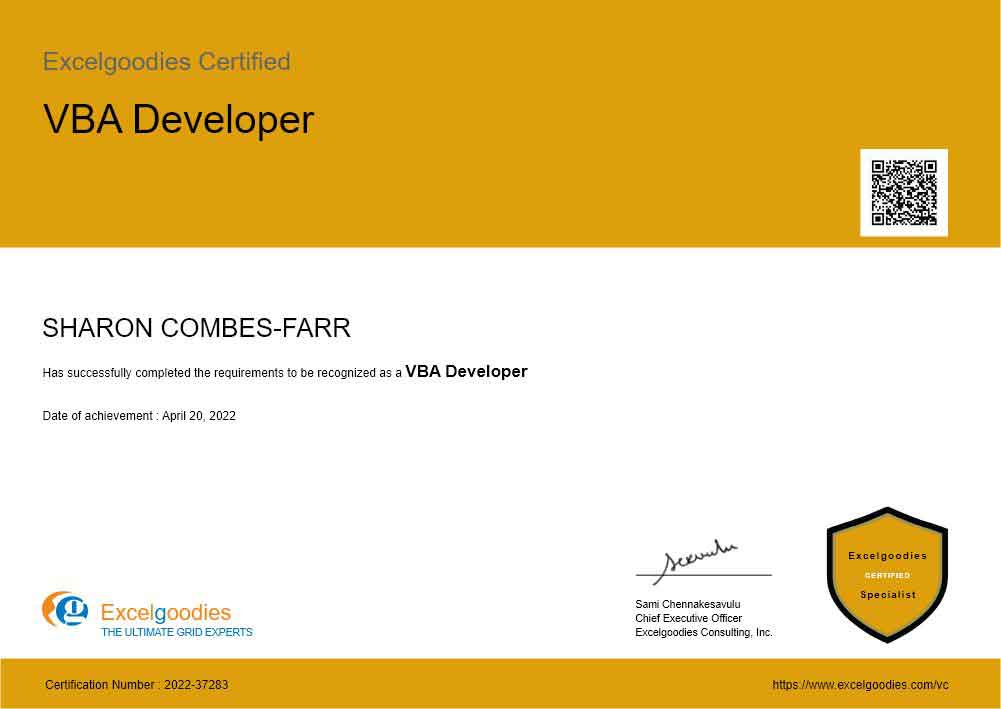
 Overall really enjoyed the course. Nice balance between demos, guided practice and independent practice. I really enjoyed the exercises where criteria was displayed and we had 20 minutes to build it up. Content felt very heavy on dashboard creation with an accelerated run thru PowerQuery material in the last several days; I think this could be a bit more balanced. My company had 5 students with stronger use needs for automated data manipulation than db's. The SQL review on Day10 was a bit fuzzy, I couldn't quite follow the benefits or use cases where this would be relevant. I would recommend adding a 5min break to the middle of each session for biological needs; 2.5 hrs is a long shot for some folks. We spent about 5 minutes at the beginning of each lesson setting up the day's folder structure, copying over data sets, etc. Could eliminate this and replace with a break if the overall folder structure was distributed with data sets already loaded in place at start of course. I.e. send zipped structure with folders for Days 1-10, each containing the ""Project X - Dashboard"" subfolders with Sales.Data.csv, etc, already saved in place. Thanks for the experience! looking forward to applying the knowledge!