Canvas vs Model-Driven Apps: Which One Should You Build in Power Apps?
When you start building solutions with Microsoft Power Apps, the first major decision you face is simple — but extremely important:
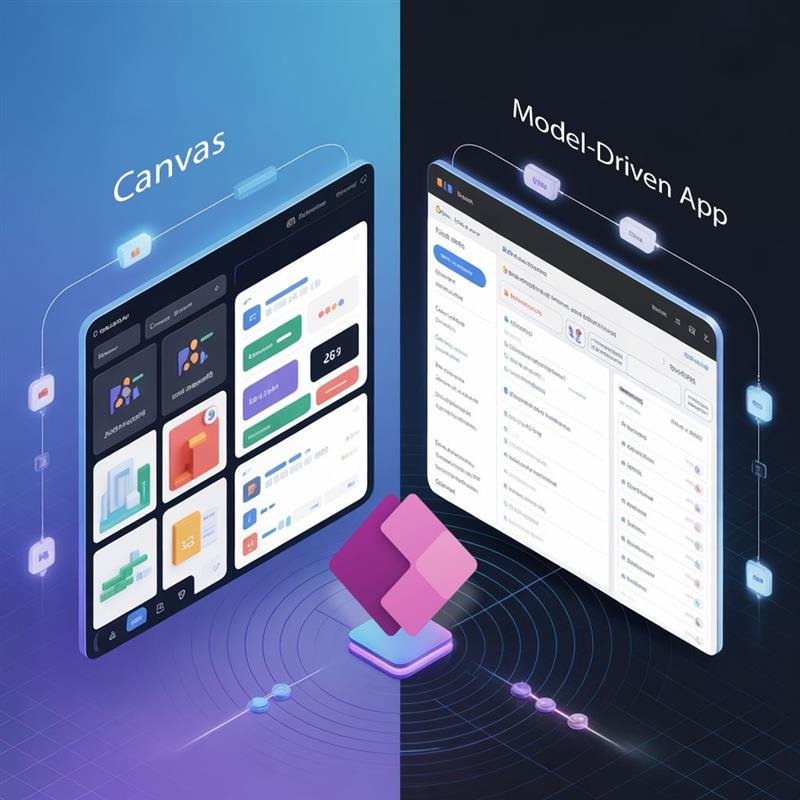
Should you build a Canvas App or a Model-Driven App?
This choice affects your app’s design, performance, data model, licensing, scalability, and even maintenance months or years later. In this guide, we break down the differences, use cases, advantages, and how to choose the right type of app for your scenario.
What Are Canvas Apps in Power Apps?
Canvas Apps give you full creative control over the user interface. You start with a blank canvas — similar to PowerPoint — and design your screens using drag-and-drop components.
Key Features of Canvas Apps
Pixel-perfect UI control
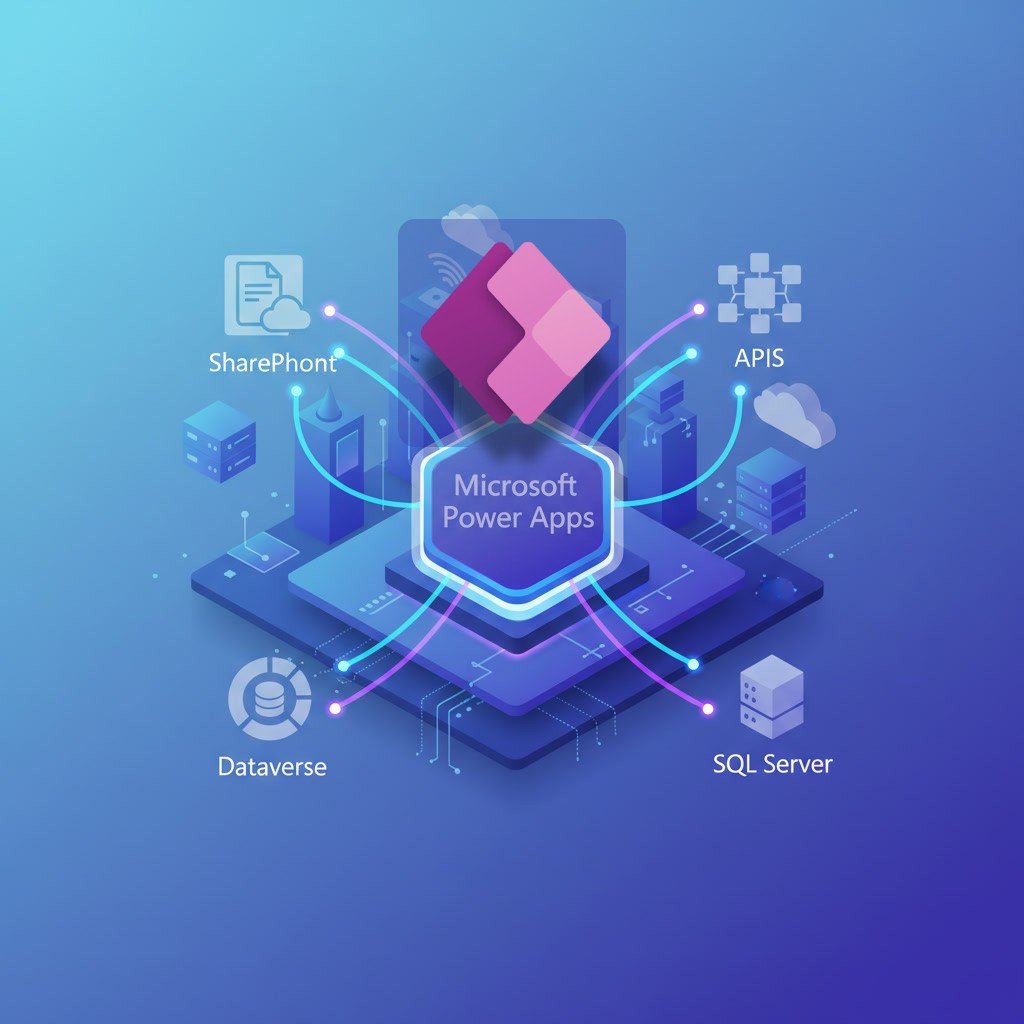
300+ data connectors (SharePoint, Excel, SQL, APIs, Dataverse, etc.)
Ideal for mobile/tablet/desktop responsive layouts
Highly flexible and customizable
When to Use Canvas Apps
Use a Canvas App when:
You need a custom UI/UX
Users work on mobile/tablets
You want to combine multiple data sources
You’re building task-based apps for frontline workers
Examples:
Leave request form
Field inspections app
Sales reporting dashboard
Service ticket submission app
What Are Model-Driven Apps in Power Apps?
Model-Driven Apps are data-first applications built entirely on Microsoft Dataverse. The UI (forms, views, dashboards) is automatically generated based on your data model.
Key Features of Model-Driven Apps
Built-in scalable architecture
Automatic UI generation
Strong security (row-level security, business rules)
Excellent for complex relational data
Deep integration with Power Automate and Dynamics 365
When to Use Model-Driven Apps
Use a Model-Driven App when:
You need a structured, enterprise-grade system
Data relationships are complex
You want built-in pipelines, auditing, and business process flows
You expect hundreds or thousands of users
Examples:
Case management system
Helpdesk + ticket tracking
CRM or customer onboarding workflows
Asset management lifecycle
If you're serious about growing in Power Apps and want guided, real-world practice, our Power Apps Training can help you level up your skills faster and with confidence.
Canvas vs Model-Driven: Side-by-Side Comparison
Feature
Canvas App
Model-Driven App
UI Control
Full freedom
Auto-generated
Data Source
300+ connectors
Dataverse only
Customization
High
Structured
Security
Basic
Enterprise-grade
Relational Data
Limited
Excellent
Licensing
Standard + Premium (depending on connectors)
Premium (Dataverse required)
Best For
Task apps, custom UI
Enterprise workflows, relational data
How to Decide Which App Type You Should Build
Here’s a simple decision framework:
Choose Canvas Apps If…
Your UI needs to be custom, branded, or visually rich
The app is mobile-first
You want to quickly digitize a simple manual process
Your data is in SharePoint, SQL, Excel, or APIs
Choose Model-Driven Apps If…
Your data model is complex
You need strict security roles
You’re building an internal system used by multiple departments
You require advanced Dataverse capabilities (relationships, business rules, plug-ins)
Sometimes… You Should Use Both
Many enterprise solutions use:
Canvas App for front-end user experience
Model-Driven App for back-office administration
Dataverse as the common database
Real-World Scenario to Understand the Difference
Example: Asset Maintenance Solution
User Type
Best App Type
Why?
Field Technicians
Canvas App
Mobile UI, quick data entry
Supervisors
Model-Driven App
Need dashboards, approvals, structured data
Management
Power BI
Analytics on top of Dataverse
This hybrid solution is extremely common in modern organizations.
Common Mistakes Beginners Make
Avoid these pitfalls:
Using SharePoint + Canvas Apps for enterprise-grade workflows
Choosing Canvas Apps when you need relational data
Choosing Model-Driven Apps for small UI-heavy apps
Ignoring licensing impact of Dataverse and SQL connectors
Not considering long-term scalability
Conclusion: Build With Purpose, Not Preference
There is no “best” app — only the best app for the requirement.
If your goal is design flexibility → Canvas App If your goal is data structure, scalability, and security → Model-Driven App
Understanding this distinction is one of the clearest signs of a mature Power Apps professional. Whether you’re preparing for a job interview, starting a new project, or designing a long-term enterprise solution — choosing the right app type is your first major architectural decision.
Editor’s Note
If you're looking to master both Canvas and Model-Driven Apps, and learn how they integrate with Power Automate, Dataverse, SQL, and Power BI, consider exploring our Power Apps & Power Automate Course (On-Cloud BI & Automation).
It’s practical, hands-on, and built for professionals who want to design real, enterprise-ready solutions — not just simple apps.








 Power BI
 SQL
SQL Power Apps
 Power Automate
 Microsoft Fabrics
 Azure Data Engineering