Top 15 Power Apps Interview Questions and How to Answer Them (With Examples)
Power Apps roles are growing rapidly across IT, consulting, automation, and data-driven organisations. Whether you're applying as a Power Apps Developer, Power Platform Consultant, or Automation Specialist, you can expect interviewers to test both your technical skills and your ability to apply Power Apps in real business scenarios.
To help you prepare, here are the top 15 Power Apps interview questions, along with clear, structured answers and real-world examples.
1. What is Power Apps and when should organisations use it?
How to Answer:
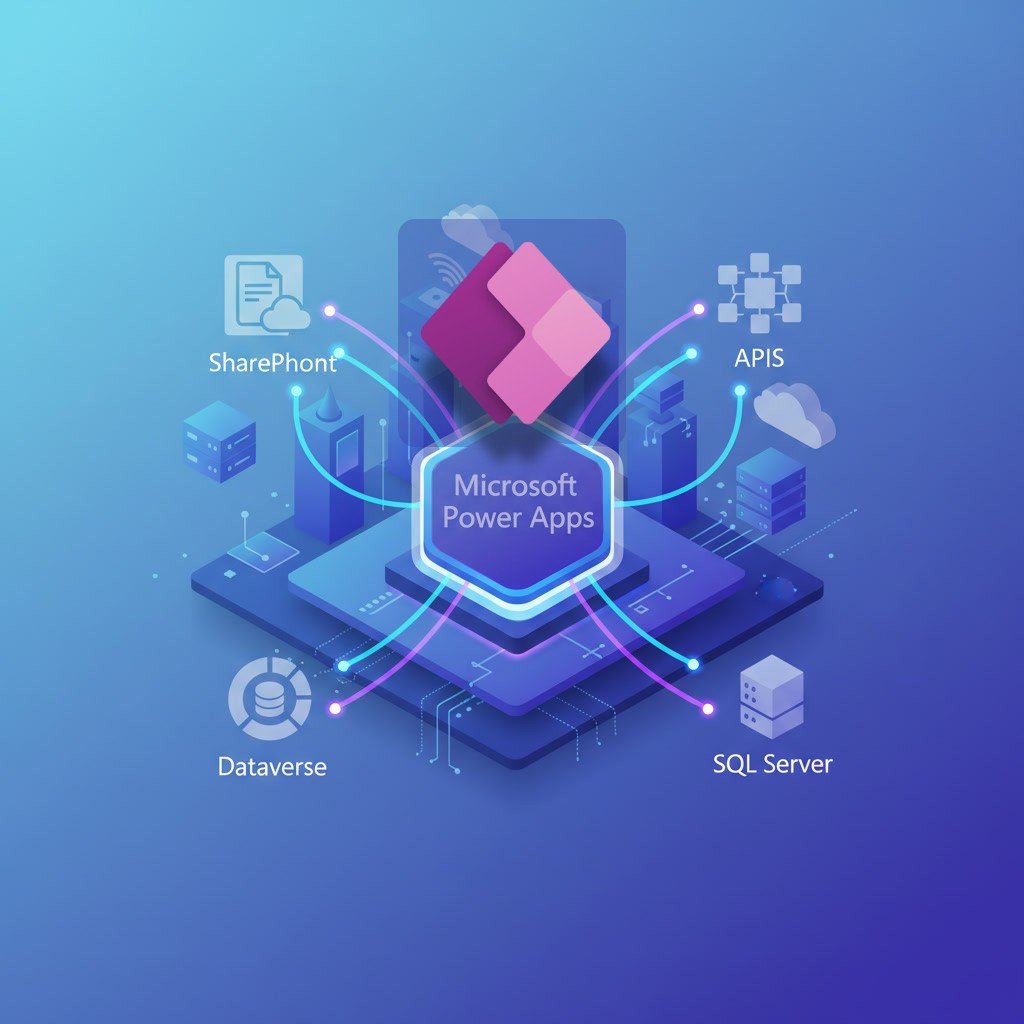
Power Apps is Microsoft’s low-code application platform that enables users to build custom business apps quickly with minimal coding.
Example Answer:
“Power Apps allows organisations to replace manual, Excel-driven, or outdated processes with modern apps that connect to 300+ data sources. It is best used for digitising forms, automating approvals, building mobile apps for field teams, and integrating workflows using Power Automate.”
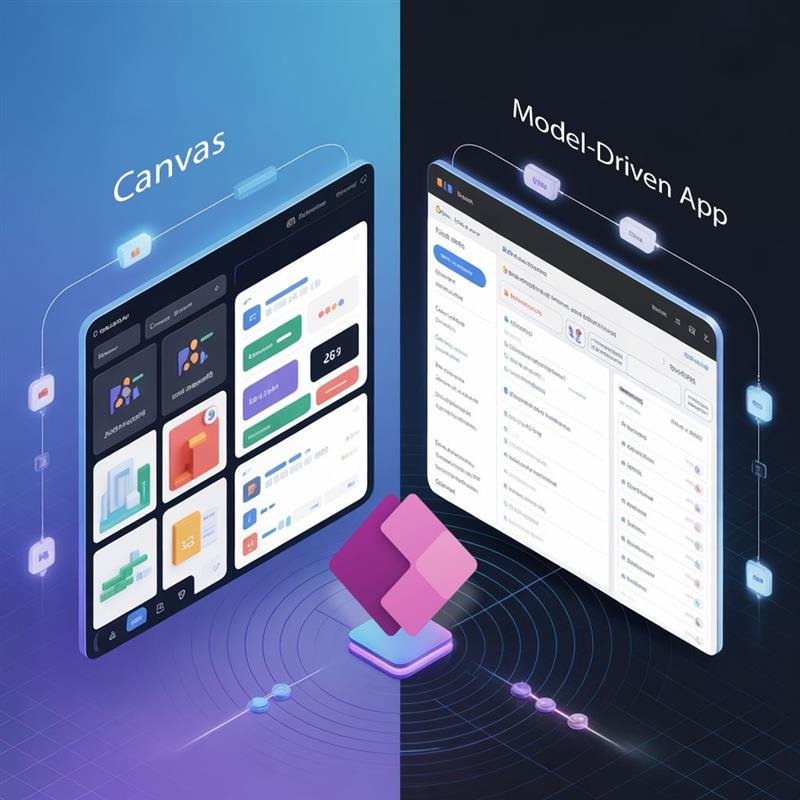
2. What is the difference between Canvas Apps and Model-Driven Apps?
How to Answer:
Explain the purpose, flexibility, and when to use each.
Example Answer:
“Canvas Apps are UI-driven and allow full visual control. They are ideal for mobile experience or apps using multiple data sources. Model-Driven Apps are data-driven and built on Dataverse. They are best for structured workflows and enterprise applications requiring security roles, business rules, and scalability.”
3. When should you choose Dataverse over SharePoint or SQL?
Example Answer:
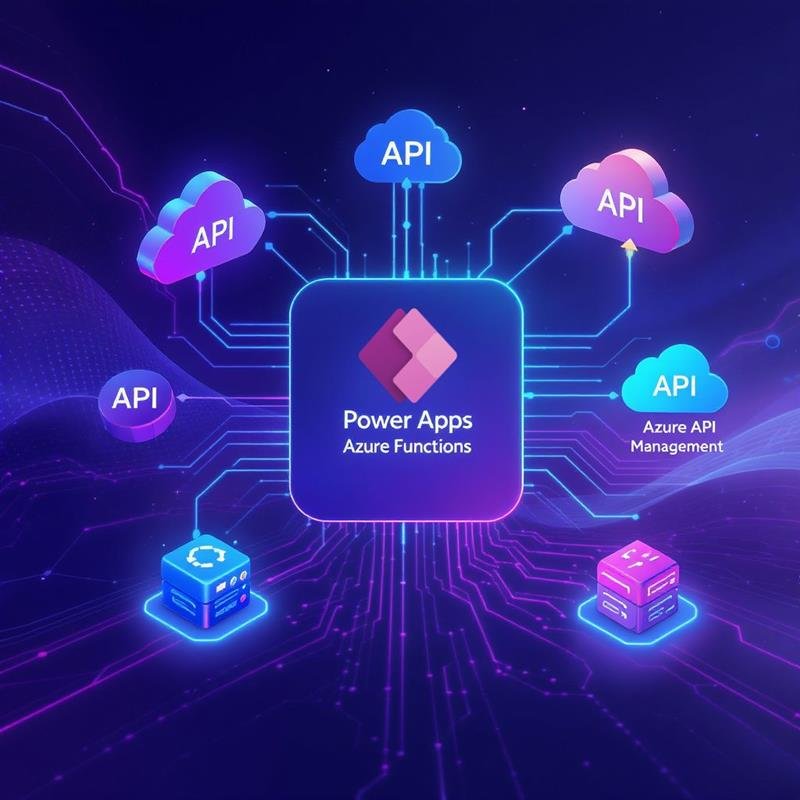
“I choose Dataverse when I need enterprise-grade features like row-level security, relational tables, API integration, auditing, and scalable business logic. SharePoint is great for simple forms, while SQL is ideal for high-performance transactional systems.”
4. What is Delegation in Power Apps? Why does it matter?
Example Answer:
“Delegation refers to Power Apps pushing queries to the data source instead of processing data locally. If a function isn’t delegable, the app may only retrieve 500–2000 records, causing incorrect results. Understanding delegation is critical for performance and data accuracy.”
5. How do you improve Power Apps performance?
Interviewers LOVE this question.
Example Answer:
“I reduce controls on screens, avoid non-delegable queries, use Concurrent() for parallel loading, avoid loading unnecessary data in OnStart, optimise galleries, and rely on Dataverse for large datasets.”
6. What are Collections and when should you use them?
Example Answer:
“Collections are in-memory tables used for temporary data. I use them for caching small lookup tables or storing user selections — but I avoid storing large SharePoint datasets to prevent performance issues.”
If you want to go beyond answers and actually build Power Apps the right way, explore our Power Apps Training.
Power Apps + Power Automate Training
Master Power Apps and Power Automate together, from basic to advanced with Microsoft
Certified Trainers.
7. Explain the different types of variables in Power Apps.
Example Answer:
“Power Apps has three types of variables:
Global variables using Set()
Context variables using UpdateContext()
Collections for tabular data
I choose based on scope — screen-level, app-level, or data-level.”
8. How do you restrict users to only see their own records in Power Apps?
Example Answer:
“If using Dataverse, I apply row-level security roles. For SharePoint, I filter data using User().Email = CreatedBy.Email, while also setting list permissions if needed.”
9. What is the Patch() function used for?
Example Answer:
“Patch() is used to create or update a record without resetting the form. It’s ideal for bulk updates, partial updates, or writing data from custom controls.”
10. How would you design a multi-step approval workflow in Power Apps?
Example Answer:
“I typically use Power Apps as the UI layer, store data in Dataverse or SharePoint, and automate approvals using Power Automate. Each approval step updates a status column and triggers the next workflow.”
11. What are Power Apps Component Libraries?
Example Answer:
“Component Libraries help standardise UI elements across an organisation. They allow reusable components — like headers, menus, and buttons — which improves maintainability and speeds up development.”
12. What is the difference between Power Apps and Power Automate?
Example Answer:
“Power Apps handles the front-end UI and user interaction, while Power Automate manages backend automation, workflows, integrations, and cross-system communication.”
13. How do you handle errors in Power Apps?
Example Answer:
“I use IfError(), Notify(), and Errors() to capture and display messages. I also log errors to a Dataverse or SharePoint table for debugging.”
14. Explain the security model of Power Apps.
Example Answer:
“Security works at three levels — app-level access, data-level permissions, and environment-level roles. Dataverse provides the strongest security with business units, security roles, and row-level rules.”
15. Describe a Power Apps project you have built. What was your role?
This is the most important question — and where candidates struggle.
How to Answer:
Use the STAR framework: Situation → Task → Action → Result
Example Answer:
“I built a Canvas App for field engineers to log equipment inspections. The data was stored in SharePoint and processed using Power Automate. The result: We reduced reporting time by 60% and improved accuracy by integrating validation rules.”
Final Tips for Power Apps Interviews
Always add business context — not just technical details
Highlight governance, performance, and data modeling
Share real examples of apps you built
Demonstrate understanding of automation with Power Automate
Show awareness of Dataverse, security roles, and ALM
Interviewers look for people who understand both how to build apps and why each design decision matters.
Editor’s Note
If you’re preparing for a Power Apps job or want to sharpen your real-world app-building skills, our Power Apps + Power Automate Course (On-Cloud BI & Automation) is designed for working professionals.
It teaches you how to build enterprise-ready apps using:
Canvas + Model-Driven
Dataverse & SQL Integration
Power Automate workflows
Real case studies & practical assignments
Perfect for interview preparation — and career growth.








 Power BI
 SQL
SQL Power Apps
 Power Automate
 Microsoft Fabrics
 Azure Data Engineering