How to Connect Power Apps to SharePoint, Dataverse, SQL & APIs, And When to Use Each
When you begin working with Power Apps, one of the earliest — and most important — decisions you’ll make is:
“Which data source should I use?”
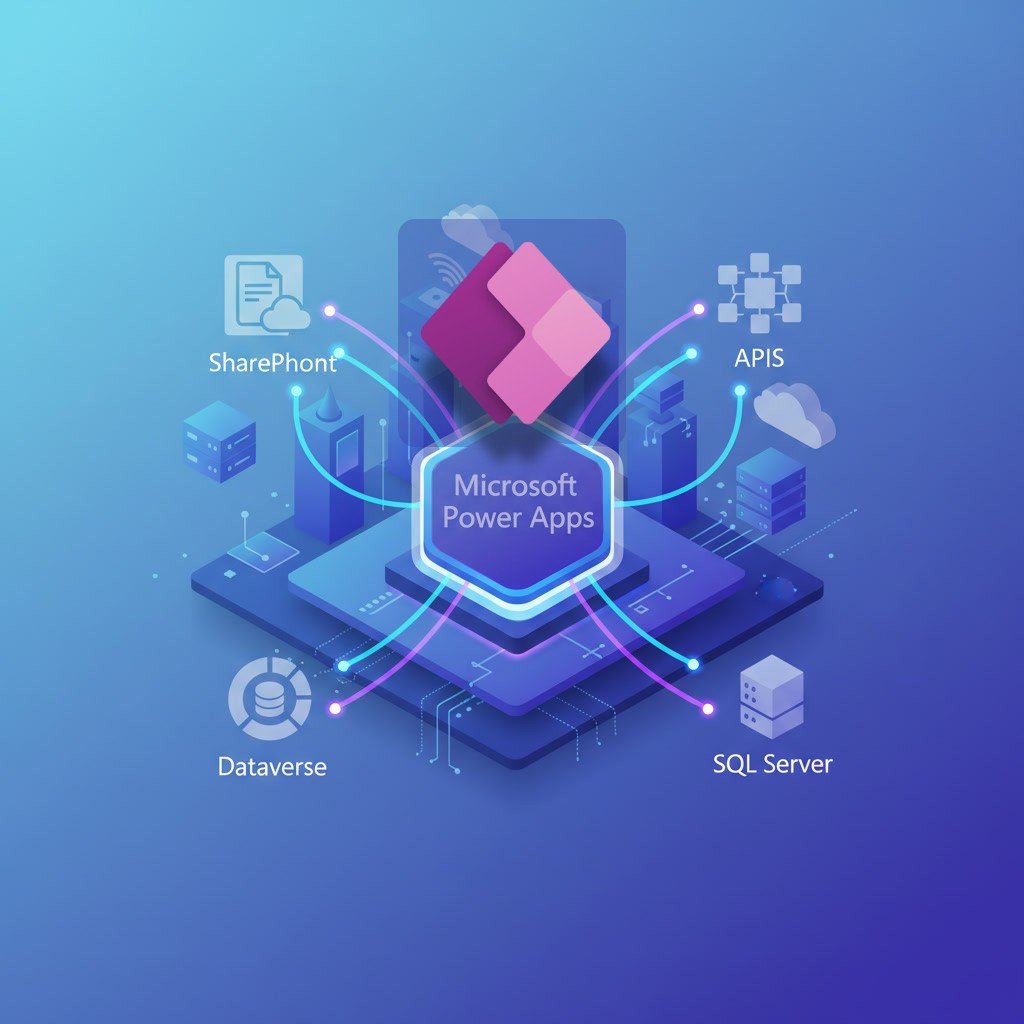
With options like SharePoint, SQL Server, Dataverse, and APIs, choosing the right one can dramatically impact your app’s performance, cost, security, and long-term scalability.
This blog breaks down each data source, how to connect to it, and — most importantly — when you should choose one over the other. Let’s dive in.
1. Connecting Power Apps to SharePoint
SharePoint is one of the most popular data sources for Power Apps, especially for organizations already deep in Microsoft 365.
How to connect:
In Power Apps Studio → Data → Add Data
Search for SharePoint
Choose your site
Select your lists/libraries
When to use SharePoint:
Perfect for lightweight apps
Ideal for small/medium datasets (0–20k records)
Great for departmental apps, simple forms, checklists, approvals
Zero additional licensing cost
When NOT to use SharePoint:
Not suitable for large-scale, relational, or transactional systems
Delegation limitations can slow down your app
Not built for enterprise database workloads
Best use cases: Employee onboarding forms, leave requests, asset tracking, simple registries.
2. Connecting Power Apps to Microsoft Dataverse
Dataverse is the official, enterprise-grade database for Power Apps.
How to connect:
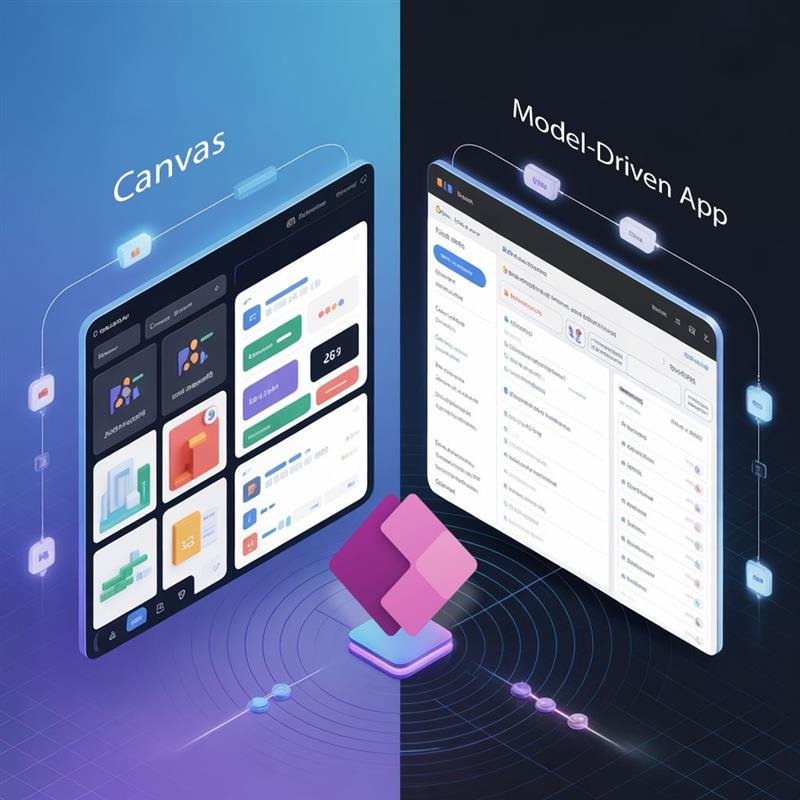
Use a Model-Driven or Canvas App
Select Add data → search for Dataverse
Connect to tables (entities) in your environment
When to use Dataverse:
Enterprise applications
Complex relational data
Security roles & row-level permissions
Built-in auditing, logging, business rules
Integrates natively with Power Automate, Power BI & Azure
When NOT to use Dataverse:
Requires premium licensing
Overkill for small, simple apps
Best use cases: Case management, CRM-style workflows, compliance-driven apps, multi-department systems.
3. Connecting Power Apps to SQL Server
SQL is a powerful, stable, and highly scalable option — especially for organizations with existing databases.
How to connect:
Use the SQL Server connector
Provide server name, database, credentials
Cloud SQL requires a gateway unless using Azure SQL
When to use SQL:
Apps needing high performance
Data models already stored in SQL
Reporting-heavy applications
Scenarios requiring stored procedures
When NOT to use SQL:
Requires premium license (except Azure SQL via some plans)
Not as tightly integrated with Power Apps security as Dataverse
Best use cases: Inventory systems, finance data apps, analytics dashboards, ERP extensions.
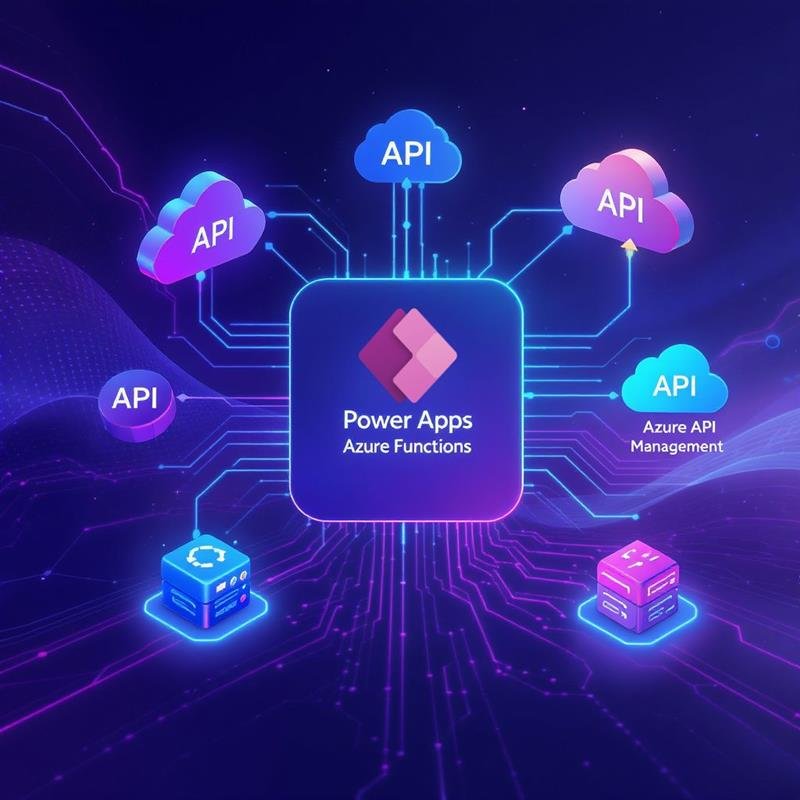
4. Connecting Power Apps to APIs (Custom Connectors)
APIs unlock the ability to integrate with any external system — ERP, CRM, custom apps, SaaS platforms, and more.
How to connect:
1. Build a Custom Connector using:
OpenAPI/Swagger definition
Postman collection
API URL & authentication
2. Add the connector as a data source to your app
When to use APIs:
Integrating with existing enterprise systems
When the required data is not inside Microsoft 365
For automation across 3rd-party platforms
When real-time data sync is needed
When NOT to use APIs:
Requires development skills
Requires premium licensing
Depends on external system reliability
Best use cases: Syncing with SAP, Salesforce, ServiceNow, custom databases, payment gateways, logistics systems.
If you're serious about building scalable apps that go beyond basic connectors, proper training becomes essential. Consider joining our Power Apps Training— a hands-on, real-world course designed for working professionals.
How to Choose the Right Data Source (Decision Framework)
Here’s a simple way to decide:
Scenario
Best Choice
Small team app, simple forms
SharePoint
Enterprise-level, secure app
Dataverse
High-performance data workloads
SQL Server
Integrating with external systems
APIs
Complex relationships + automation
Dataverse
Legacy databases already exist
SQL Server
General rule of thumb:
SharePoint for small apps
SQL for performance
Dataverse for enterprise
APIs for integration
Common Mistakes to Avoid
Using SharePoint for large, relational databases
Ignoring delegation warnings
Mixing too many data sources (performance killer)
Not considering licensing early
Underestimating Dataverse security needs
Final Thoughts
Power Apps can connect to hundreds of data sources — but the best apps are the ones built with the right data foundation. Choosing wisely affects your app’s performance, user experience, maintainability, and long-term adoption.
Start small, prototype often, and always match your data source to the scale of the business problem.
Editor’s Note
If you're serious about building enterprise-grade Power Apps and automating processes with Power Automate, consider leveling up through a structured, hands-on program.
Our Power Apps + Power Automate Course (On-Cloud BI & Automation) helps professionals learn how to build real-world apps that connect to SharePoint, Dataverse, SQL, APIs — and automate them end-to-end. It’s practical, project-based, and designed for working professionals.







 Power BI
 SQL
SQL Power Apps
 Power Automate
 Microsoft Fabrics
 Azure Data Engineering