How to Integrate Power Apps with Azure Functions and API Management
As Power Apps adoption continues to grow across enterprises, organizations are increasingly looking to integrate custom business logic, external systems, and high-performance API services into their low-code applications. This is where Azure Functions and Azure API Management (APIM) become essential.
Together, they allow Power Apps to perform tasks that go beyond low-code capabilities, such as:
Complex data processing
External system integrations
Server-side business rules
Secure API access
Scalable backend automation
This guide explains why, when, and how to integrate Power Apps with Azure Functions and API Management — with step-by-step clarity.
Why Use Azure Functions with Power Apps?
Azure Functions provide serverless, on-demand backend logic, allowing you to run code without managing any servers.
Perfect for scenarios like:
Heavy calculations that Power Apps can’t handle
Integrations with third-party APIs
Data transformations and validations
Secure server-side logic
Scheduled and event-driven operations
Power Apps calls an Azure Function just like an API — making it extremely flexible.
Why Use Azure API Management (APIM)?
Before connecting Power Apps to a function, you often want:
Security
Throttling
Monitoring
Version control
Key management
Policy enforcement
Azure API Management adds a secure, managed layer between Power Apps and your Azure Functions.
Key Benefits of APIM:
Protect your backend services
Generate documentation automatically
Transform API responses (JSON, XML, headers)
Add authentication (OAuth2, Azure AD)
Track API usage and performance
Integration Architecture Overview
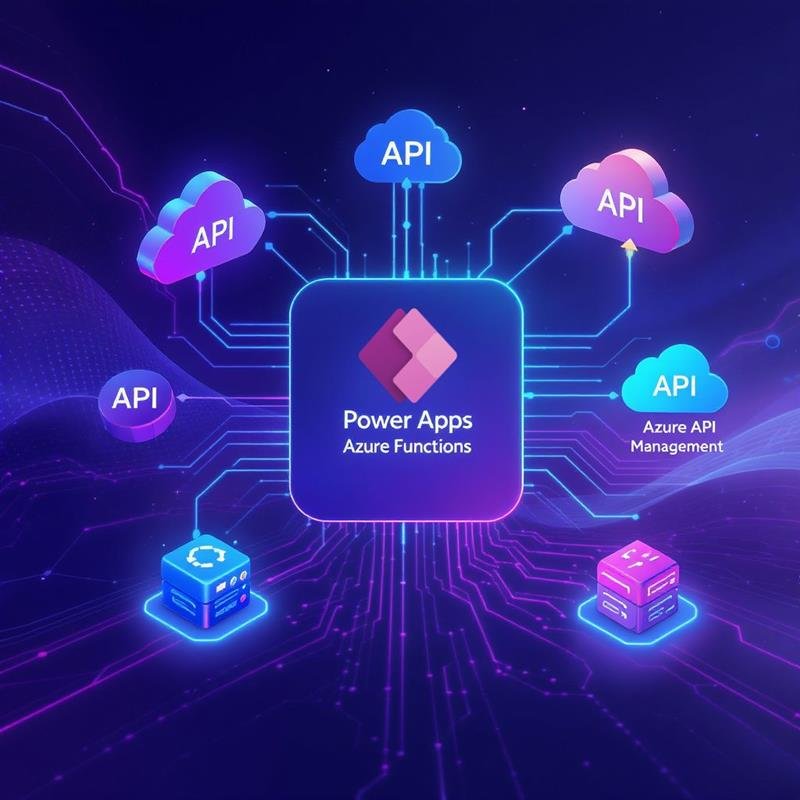
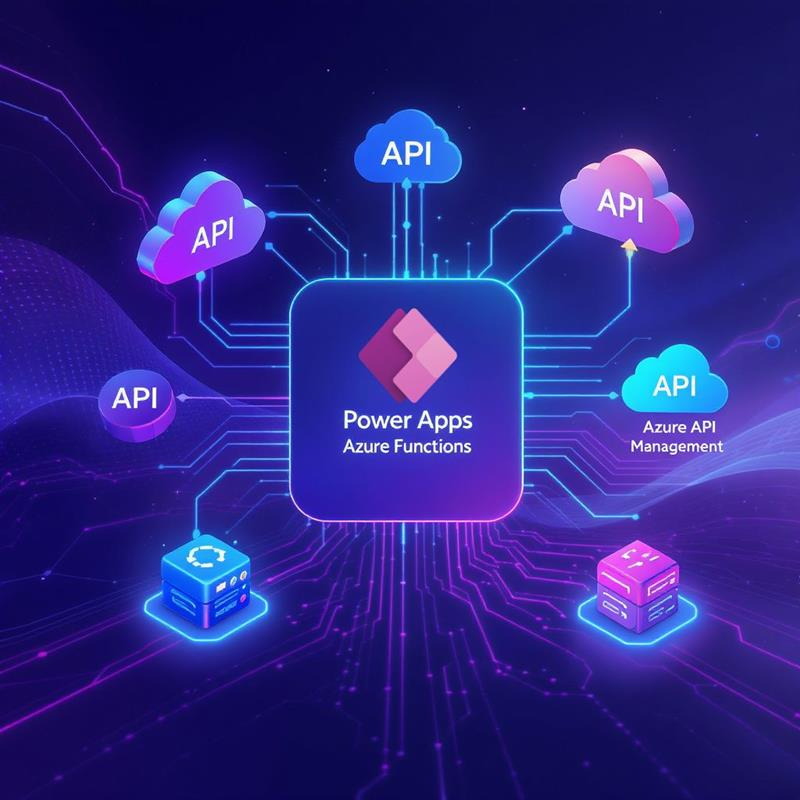
The most common enterprise architecture looks like this: Power Apps → Custom Connector → APIM → Azure Function → External System
This ensures:
Security
Manageability
Scalability
Reusability
Low-code front end + pro-code backend
Step 1: Create an Azure Function
Go to Azure Portal → Create a Function App
Choose your runtime (C#, JavaScript, Python, PowerShell)
Add an HTTP Trigger Function
Return JSON output — Power Apps handles JSON very well
When Should You Use Azure Functions + APIM With Power Apps?
Use them when:
You have complex business logic
Power Apps formulas are not enough
You need integrations (SAP, Salesforce, on-prem apps)
Large data transformations are required
You want secure server-side operations
Avoid them if:
You don’t need backend logic
SharePoint/Dataverse formulas are sufficient
You want a purely low-code solution
Want to go beyond basic Power Apps? If you're looking to build enterprise-grade solutions using Power Apps, Azure Functions, APIs, Dataverse, and automation patterns, structured Power Apps Training can help you bridge the gap between low-code and pro-code development.
Real-World Use Cases
1. Finance Automation
Posting journal entries to SAP via Azure Functions → APIM → Power Apps frontend.
2. Manufacturing Integration
Production machines send sensor data to an Azure Function, consumed by Power Apps dashboards.
3. Healthcare Applications
APIM ensures secure, HIPAA-compliant API access for patient workflows.
4. Retail Inventory Syncing
Azure Function transforms supplier data → pushes to Dataverse → used in Power Apps.
Performance & Security Best Practices
Always enable caching in APIM for static responses
Use pagination for large data returns
Avoid returning huge JSON objects
Implement OAuth2 for secure access
Throttle requests to avoid backend overload
Log everything using Azure Monitor
These ensure stability even at enterprise scale.
Final Thoughts
Power Apps becomes exponentially more powerful when combined with Azure Functions and API Management. You move from “simple app builder” to enterprise-grade app architect.
This integration turns Power Apps into a platform capable of supporting:
Custom logic
High-performance workflows
Secure integrations
Scalable systems
If your goal is to build modern, cloud-native business systems, Azure + Power Apps is the fastest path.
Editor’s Note
If you'd like to master end-to-end enterprise app development using Power Apps, Dataverse, Power Automate, SQL, APIs, and Azure Services, our Power Apps + Power Automate Training (On-Cloud BI & Automation) is designed for you.







 Power BI
 SQL
SQL Power Apps
 Power Automate
 Microsoft Fabrics
 Azure Data Engineering